Upload your image
Choose JPG, PNG, or WebP from your device. Nothing is uploaded to Image2Tool servers for this tool.
Make a PNG transparent in your browser — free background remover, no upload to our servers, no account, no watermark. Download a clean transparent PNG in seconds.
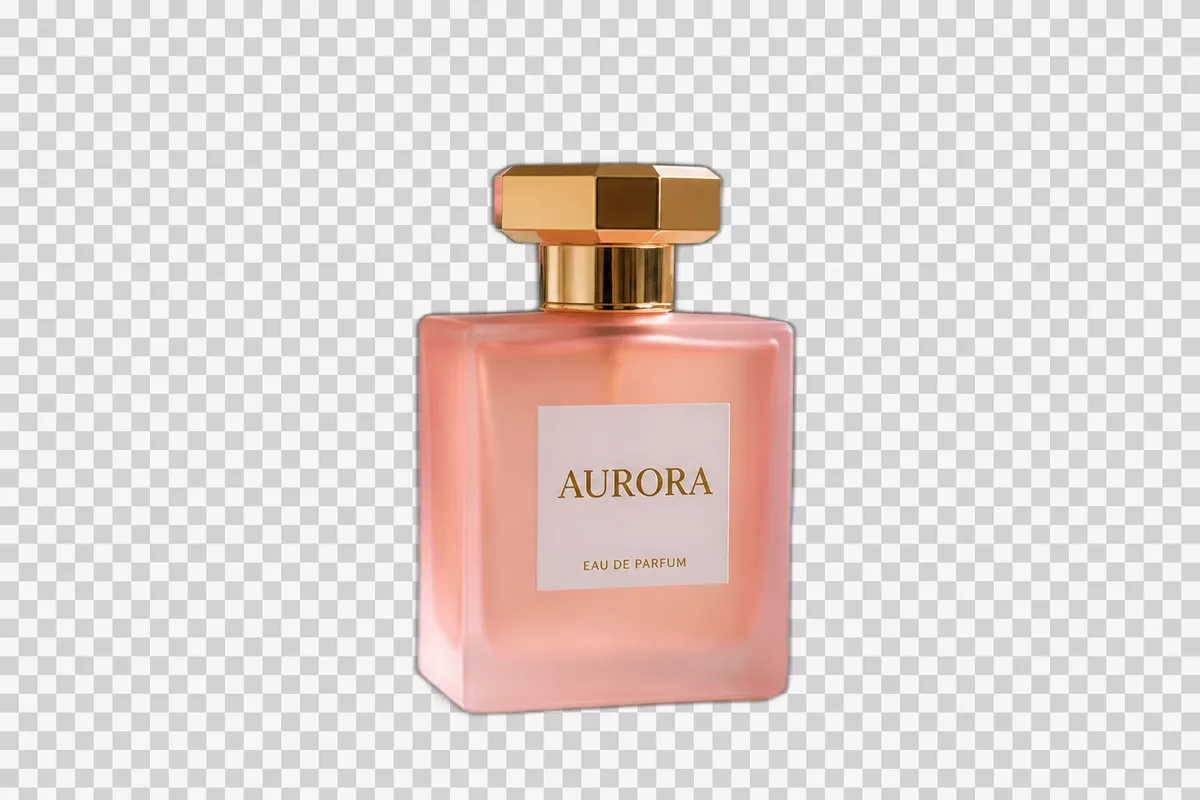

Remove a keyed background in seconds — no desktop software install.
Export a crisp transparent PNG sized for web, ads, and product pages.
Processing stays in your browser. Your photos are not uploaded to our servers.
Download transparent PNGs free every day — no account wall and no watermark on the core flow.
Transparent PNG in 3 simple steps
Drop a JPG, PNG, or WebP — one file or a batch. Files stay on your device.
AI Auto removes the background in your browser — or switch to Manual color key for solid backgrounds.
Save a transparent PNG with no watermark — ready for listings, designs, and social posts.
Manually erasing a backdrop in an editor is slow and easy to get wrong around edges. This free transparent PNG maker (background remover) turns a photo into a cutout with an alpha channel so product shots, portraits, and graphics are ready to place on any new backdrop — without installing Photoshop.
People search for “transparent PNG maker”, “make PNG transparent”, and “png to transparent” when they need a cutout fast. Head terms like “remove background from image” are dominated by giant apps; this page wins on the transparent-PNG job: erase the backdrop in your browser, then download — nothing uploaded to Image2Tool servers.
Sellers, creators, and marketers often need the same look across many SKUs: a clean subject on a transparent layer. Use this tool when your photo already has a simple studio or white background and you want a consistent transparent PNG for Amazon-style listings, Shopify themes, Canva layouts, or ad creatives.
Because processing runs in the browser, you keep control of private product photos while still getting a downloadable transparent background file in under a minute for typical images.
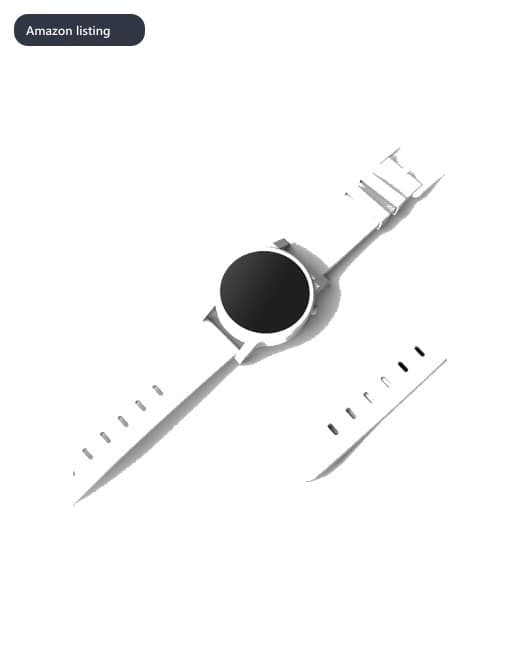
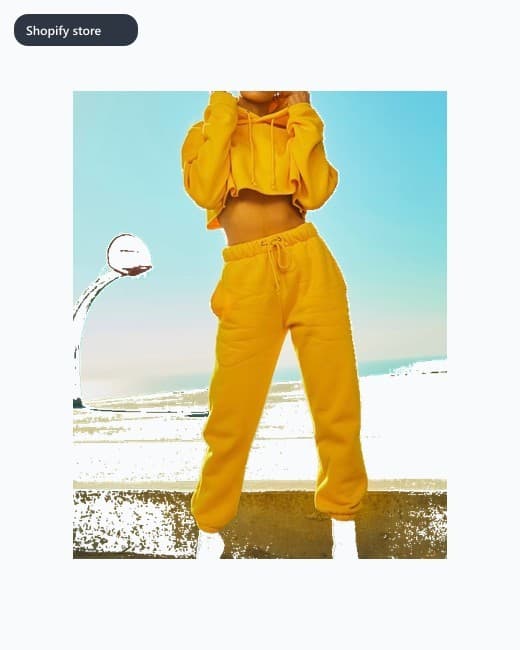


Choose JPG, PNG, or WebP from your device. Nothing is uploaded to Image2Tool servers for this tool.
Click the preview to sample the background color, adjust tolerance for nearby shades, then run Remove Background.
Export a transparent PNG for product pages, presentations, thumbnails, and design tools.
Create a transparent background for portraits, products, logos, and more.
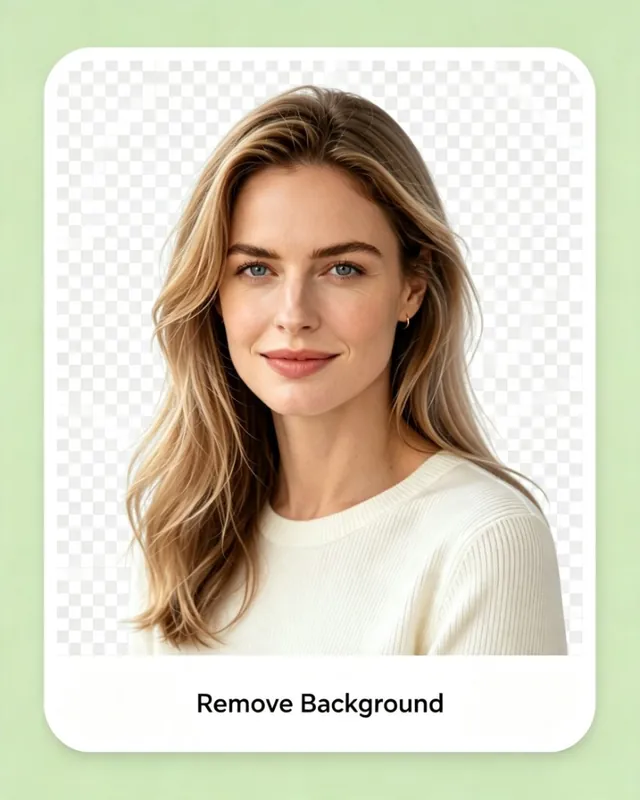
Isolate a person for resumes, team pages, influencer creatives, and profile graphics without opening desktop editors.



Why people use this tool
Built for sensitive images
When the file itself is private, uploading to a cutout SaaS is the hard part. Image2Tool keeps core tools — including background removal — on-device so you can still ship a clean PNG without a cloud hop.
Headshots and document-style photos stay on your device — cutouts run in the browser, not a cloud GPU queue.
Sensitive slides or scanned pages never need an upload to remove a solid backdrop.
Private catalog shots and pet photos get a transparent PNG without creating an account.
Prefer a white listing background? Open Remove Background → Design → Pure white / 2000×2000 presets.
People searching for a transparent PNG maker or “make PNG transparent” usually land on cloud cutout sites that upload every product shot before you can download. Image2Tool keeps the same job—erase the backdrop and export a transparent PNG—but runs AI Auto (plus Manual color key for solid backdrops) entirely in your browser. No account wall, no watermark on the free flow, and no remote GPU queue. Use no-upload privacy as the reason to click and convert; use transparent PNG as the search intent this page answers.
Keep working in your browser — download from this tool, then open the next one and choose the same file. No account, no cloud upload for core processing.
Looking for related Image2Tool tools? Try HEIC to JPG, JPEG compressor, image resizer, or crop image.