Image Resizer
Resize PNG, BMP, JPG, WebP, and GIF to exact dimensions in your browser. Lock aspect ratio, export JPG, PNG, or WebP — free, no upload.
- No upload
- Runs in your browser
- image resizer
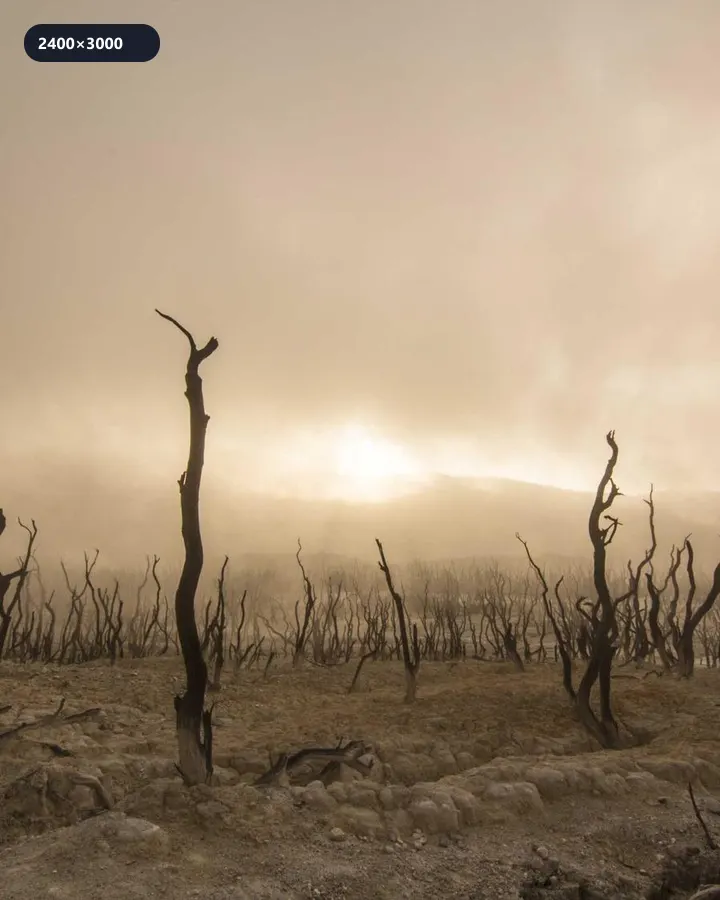 2400×3000
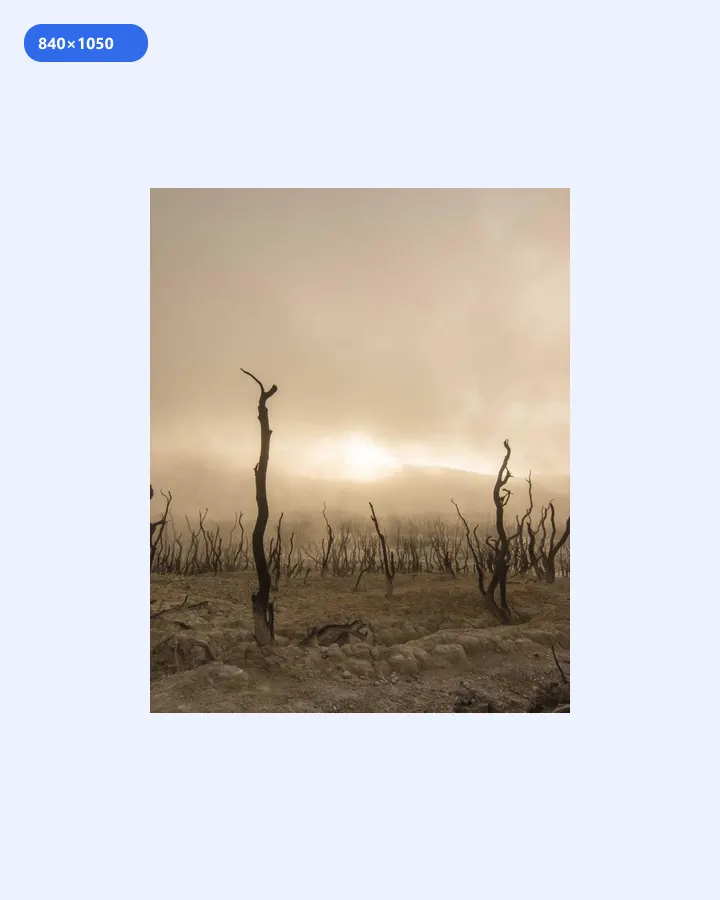 840×1050
Set exact width and height — optional aspect lock for clean layouts.
Instant Results
Process your images locally and download ready files.
High Quality
Choose formats and settings for clean, usable outputs.
Privacy First
Your files stay on your device — no upload for core tools.
Free · no watermark
Use core tools without signup. Free downloads are not watermarked.
How to Use Resize
3 simple steps to finish your output
- 1
Upload
Upload a PNG, BMP, JPG, WebP, or GIF image from your device.
- 2
Configure
Set width and height (optionally lock aspect ratio).
- 3
Download
Choose JPG, PNG, or WebP and download the result.
Perfect for Any Use Case
Built for workflows that search for image resizer, resize image, change image dimensions.
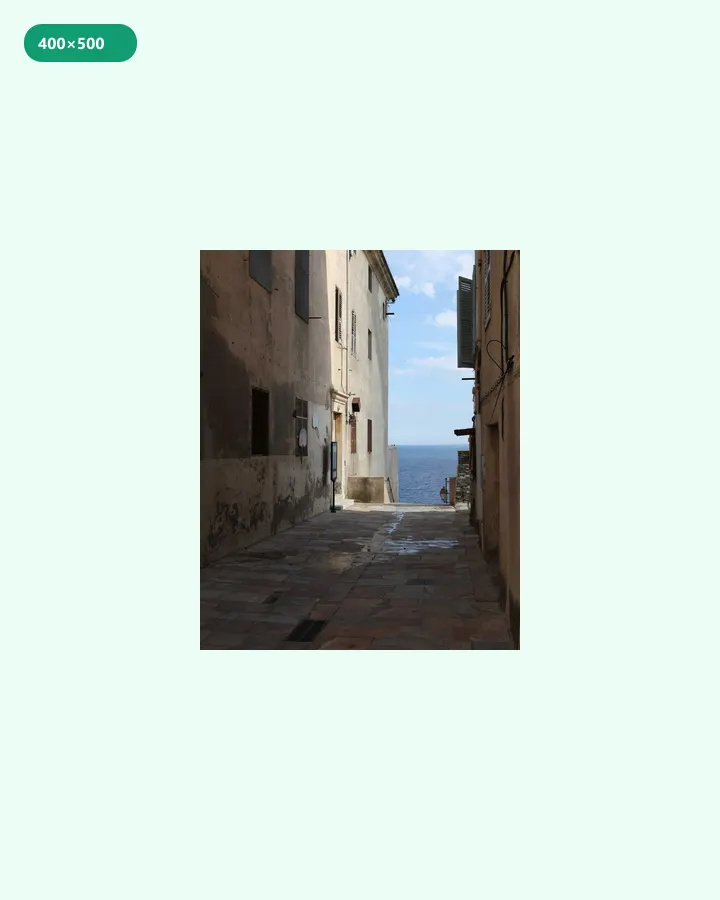
Resize images to exact pixel sizes
Resize image for search results, grids, and thumbnails with predictable dimensions.
Why people use our tools
- Processed in your browser
- No upload · no account
- No watermark on free export
- Results in seconds
How this image resizer is different
Many “resize” sites push you into a multi-step cloud editor or compress everything to one mystery format. This resizer is a focused pixel tool: set exact width and height, lock aspect ratio when you need it, and export JPG, PNG, or WebP—processed locally in the browser. No account, no upload queue, and no bundling resize with unrelated AI features. Ideal when you need predictable dimensions for thumbnails, banners, or social crops without handing the file to a third-party server.
Recommended next step
Keep working in your browser — download from this tool, then open the next one and choose the same file. No account, no cloud upload for core processing.
Image Resizer FAQ
- Can I keep the original aspect ratio?
- Yes. Turn on aspect lock and change one side — the other updates automatically.
- What output formats are supported?
- JPEG, PNG, and WebP. Inputs include PNG, BMP, JPG, WebP, and GIF.
- Is resizing done on your servers?
- No. Resizing happens locally in your browser.
Looking for related Image Resizer? Explore Tools.