Image Enlarger (2×–4×)
Free image enlarger online. Scale PNG, BMP, JPG, WebP, and GIF 2×, 3×, or 4× in your browser with smooth or nearest-neighbor resize — private, no upload. Not an AI upscaler that invents new detail.
- No upload
- Runs in your browser
- enlarge image
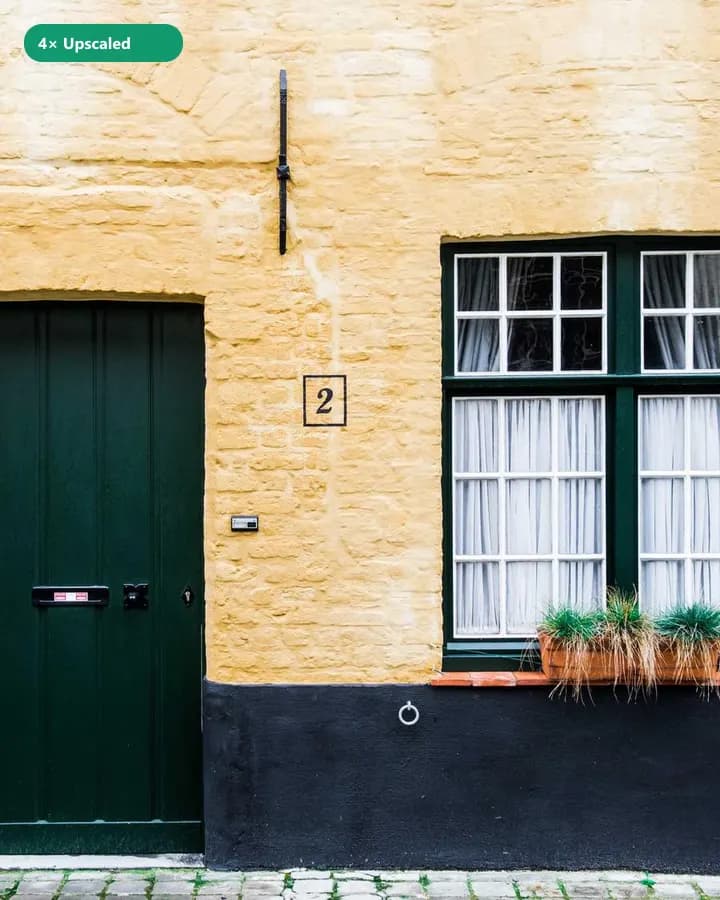
Enlarge small images 2×–4× for clearer previews and prints.
Instant Results
Process your images locally and download ready files.
High Quality
Choose formats and settings for clean, usable outputs.
Privacy First
Your files stay on your device — no upload for core tools.
Free · no watermark
Use core tools without signup. Free downloads are not watermarked.
How to Use Enlarge
3 simple steps to finish your output
- 1
Upload
Choose a PNG, BMP, JPG, WebP, or GIF image from your device.
- 2
Configure
Pick 2×, 3×, or 4× scale and optional smooth mode.
- 3
Download
Enlarge locally with canvas resize and download the larger file.
Perfect for Any Use Case
Built for workflows that search for enlarge image, increase image size, image enlarger.
Enlarge small scans for screen viewing
Scale a small scan 2×–4× so it is easier to view. Pixel enlarge does not recover lost detail.




Why people use our tools
- Processed in your browser
- No upload · no account
- No watermark on free export
- Results in seconds
Recommended next step
Keep working in your browser — download from this tool, then open the next one and choose the same file. No account, no cloud upload for core processing.
Image Enlarger (2×–4×) FAQ
- Is this a free image enlarger?
- Yes. Browser enlarge is free and does not require an account. Downloads have no watermark.
- Does Image2Tool upload my photos?
- No. Enlarging runs in your browser with canvas. Files stay on your device.
- Is this an AI upscaler?
- No. This tool enlarges pixels with smooth or nearest-neighbor scaling. It does not invent new detail the way paid AI upscalers do — it is fast, private, and free.
Looking for related Image Enlarger (2×–4×)? Explore Tools.