Rotate Image
Free rotate image tool. Turn PNG, BMP, JPG, WebP, or GIF by 90°, 180°, or 270° in your browser and download the result — nothing uploaded.
- No upload
- Runs in your browser
- rotate image

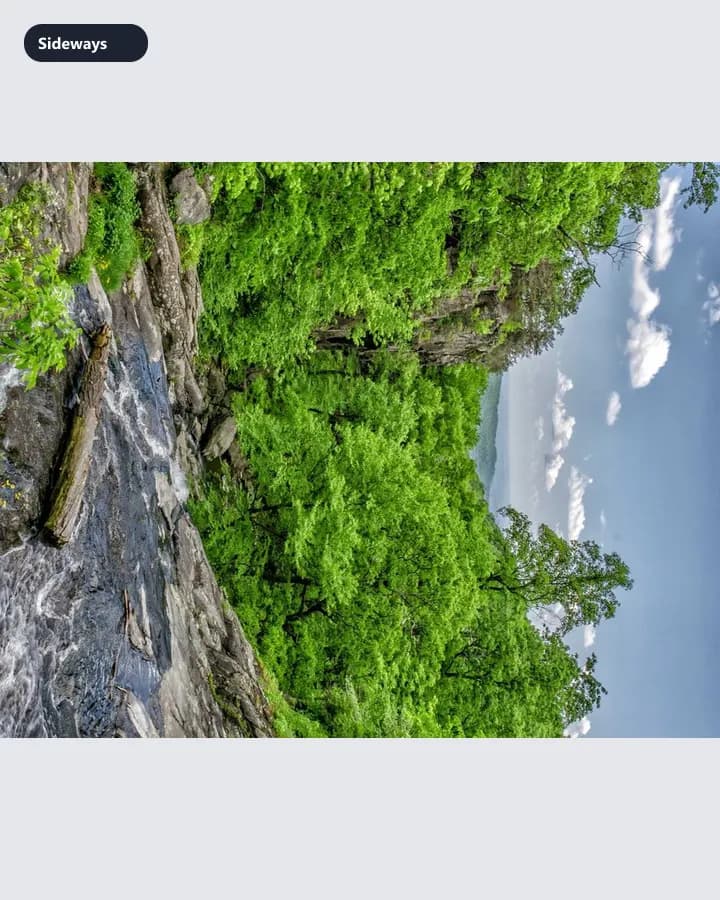
Fix sideways shots with 90°, 180°, or 270° rotation.
Instant Results
Process your images locally and download ready files.
High Quality
Choose formats and settings for clean, usable outputs.
Privacy First
Your files stay on your device — no upload for core tools.
Free · no watermark
Use core tools without signup. Free downloads are not watermarked.
How to Use Rotate
3 simple steps to finish your output
- 1
Upload
Upload a PNG, BMP, JPG, WebP, or GIF image.
- 2
Configure
Choose 90° clockwise, 180°, or 90° counter-clockwise.
- 3
Download
Download the rotated file — processing stays in your browser.
Perfect for Any Use Case
Built for workflows that search for rotate image, rotate image online, rotate photo.
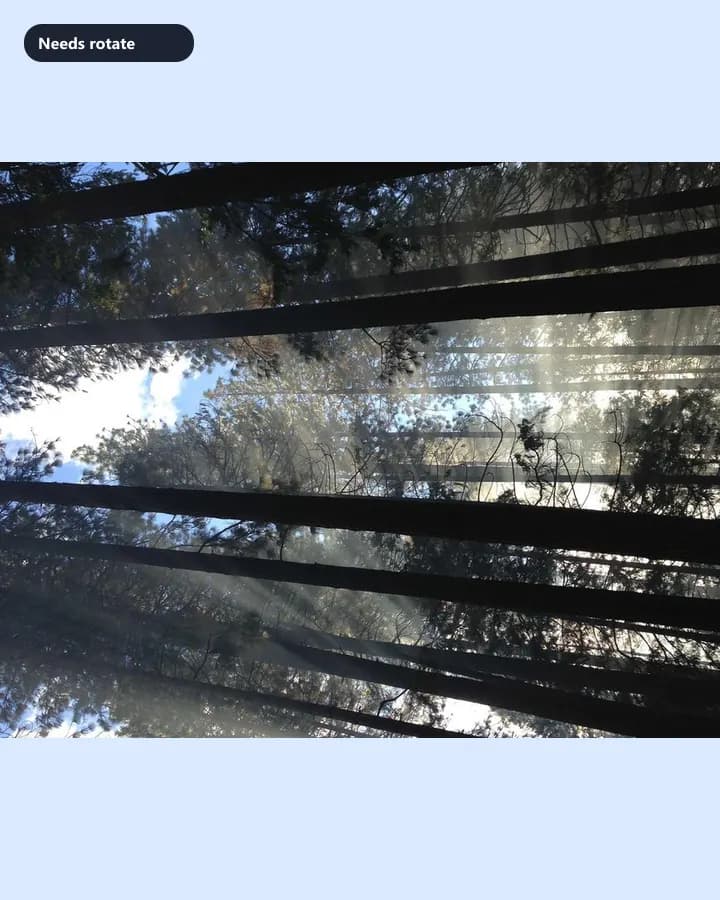
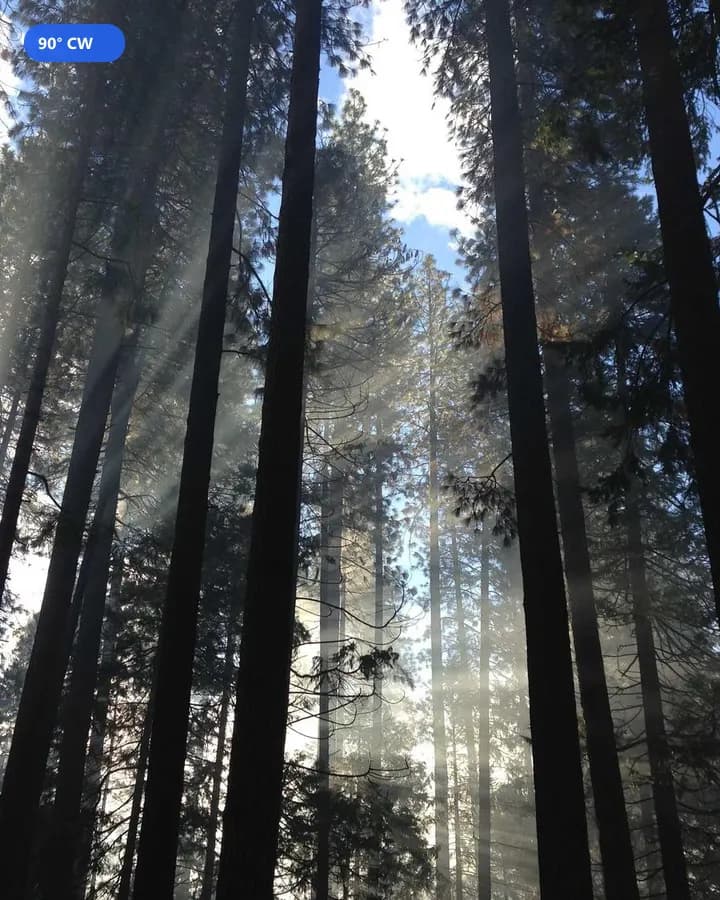
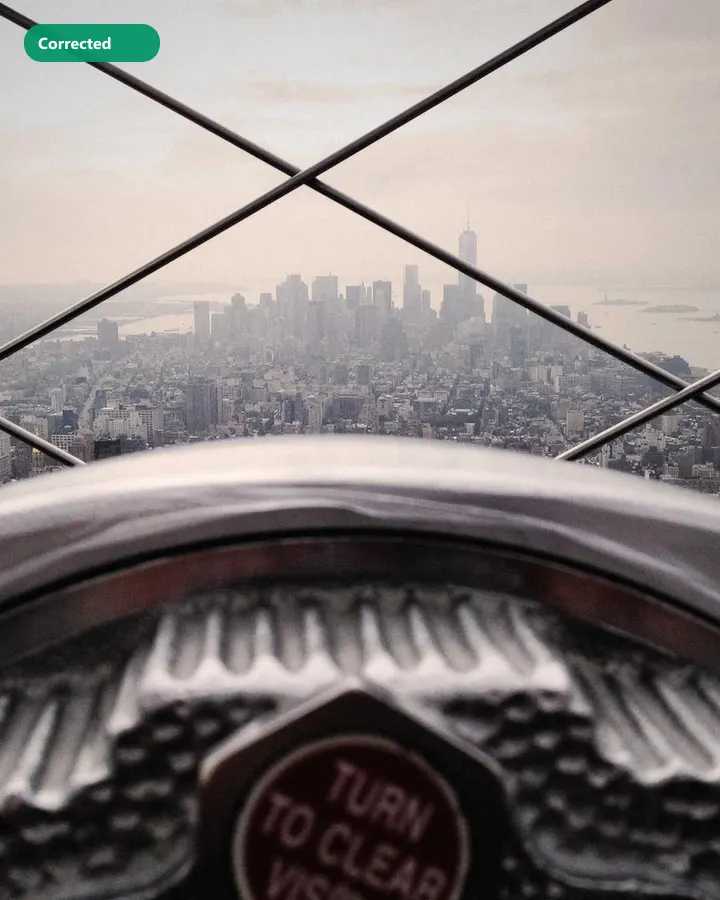
Rotate photos from your phone
Fix sideways shots with a quick 90° rotate image workflow.

Why people use our tools
- Processed in your browser
- No upload · no account
- No watermark on free export
- Results in seconds
Rotate Image FAQ
- Can I rotate an image without uploading it?
- Yes. Image2Tool rotates images locally in your browser. Files are not sent to our servers.
- Which rotate angles are supported?
- You can rotate by 90° clockwise, 180°, or 90° counter-clockwise (270°).
- Is the rotate image tool free?
- Yes. Browser rotate is free with no account required.
Looking for related Rotate Image? Explore Tools.