Flip Image
Free flip image tool. Mirror PNG, BMP, JPG, WebP, or GIF photos horizontally or vertically in your browser and export JPG, PNG, or WebP — no upload required.
- No upload
- Runs in your browser
- flip image


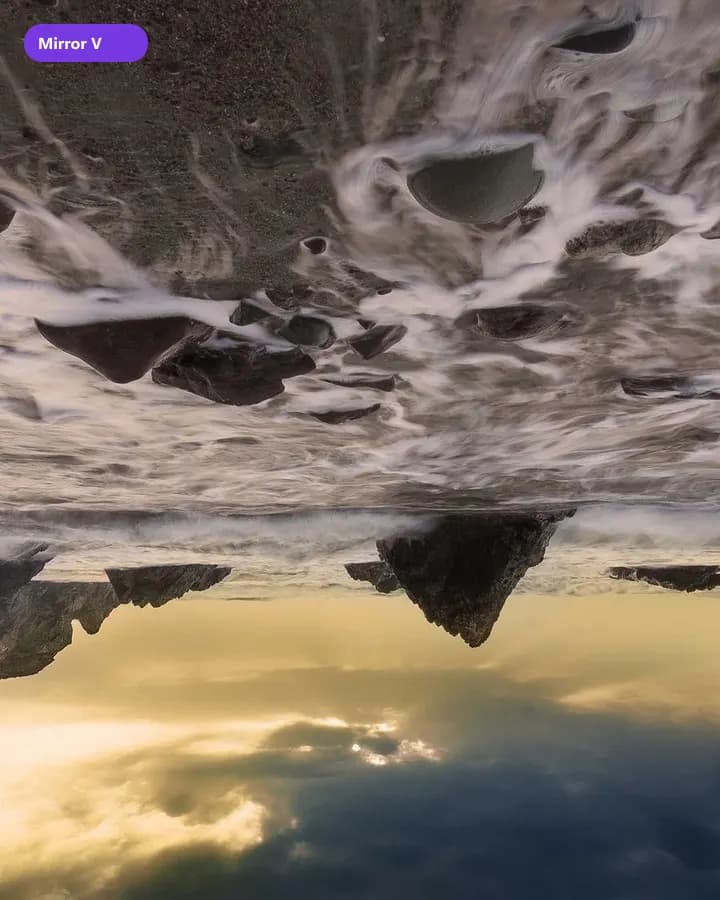
Mirror images horizontally, vertically, or both.
Instant Results
Process your images locally and download ready files.
High Quality
Choose formats and settings for clean, usable outputs.
Privacy First
Your files stay on your device — no upload for core tools.
Free · no watermark
Use core tools without signup. Free downloads are not watermarked.
How to Use Flip
3 simple steps to finish your output
- 1
Upload
Upload a PNG, BMP, JPG, WebP, or GIF image.
- 2
Configure
Select horizontal flip, vertical flip, or both.
- 3
Download
Download the flipped file — everything runs in your browser.
Perfect for Any Use Case
Built for workflows that search for flip image, flip image online, mirror image.
Create mirror-image layouts
Flip image horizontally for mockups, before/after, and design variants.



Why people use our tools
- Processed in your browser
- No upload · no account
- No watermark on free export
- Results in seconds
Flip Image FAQ
- What is the difference between horizontal and vertical flip?
- Horizontal flip mirrors left–right (like a mirror). Vertical flip flips top–bottom.
- Do you upload my images when I flip them?
- No. Flipping runs entirely in your browser.
- Is the flip image tool free?
- Yes. It is free to use with no account required.
Looking for related Flip Image? Explore Tools.