Color Picker
Free online color picker from image. Click a photo to sample HEX and RGB color values locally — nothing is uploaded to Image2Tool.
- No upload
- Runs in your browser
- color picker
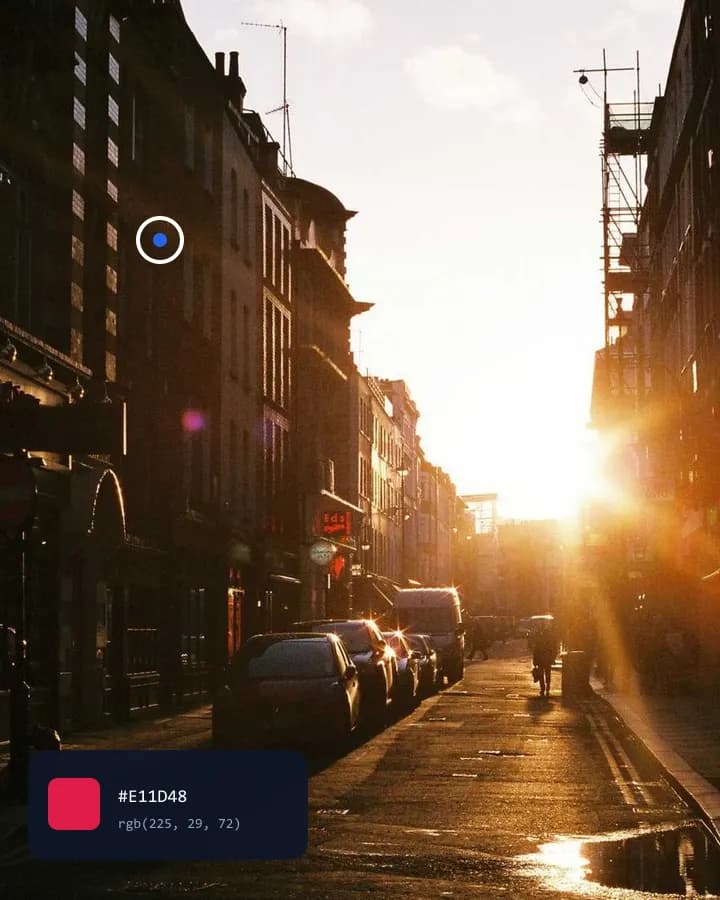
Click any pixel to copy HEX or RGB for design and CSS.
Instant Results
Process your images locally and download ready files.
High Quality
Choose formats and settings for clean, usable outputs.
Privacy First
Your files stay on your device — no upload for core tools.
Free · no watermark
Use core tools without signup. Free downloads are not watermarked.
How to Use Colors
3 simple steps to finish your output
- 1
Upload
Upload a PNG, BMP, JPG, WebP, or GIF image.
- 2
Configure
Click anywhere on the image to sample that pixel’s color.
- 3
Download
Copy the HEX or RGB value for design, CSS, or brand work.
Perfect for Any Use Case
Built for workflows that search for color picker, image color picker, pick color from image.
Sample brand colors from photos
Pick HEX values from packaging or logos for style guides.



Why people use our tools
- Processed in your browser
- No upload · no account
- No watermark on free export
- Results in seconds
Color Picker FAQ
- Does the color picker upload my photos?
- No. Color sampling runs in your browser with canvas. Images stay on your device.
- What color formats can I copy?
- You can copy HEX (e.g. #2563EB) and RGB (e.g. rgb(37, 99, 235)).
- Is the image color picker free?
- Yes. It is free with no account required.
Looking for related Color Picker? Explore Tools.